It Wasn't the Model. It Was the Figma.
Two top-tier models, same Figma file, both produced unusable code. The fix wasn't a smarter model — it was a structured Figma. A postmortem on why MCPs are bridges, not interpreters.
It Wasn't the Model. It Was the Figma.
- May 1, 2026
- Posted by Abdulmunim Jemal
- Figma, Claude Code, MCP, Design-to-Code, AI Workflows
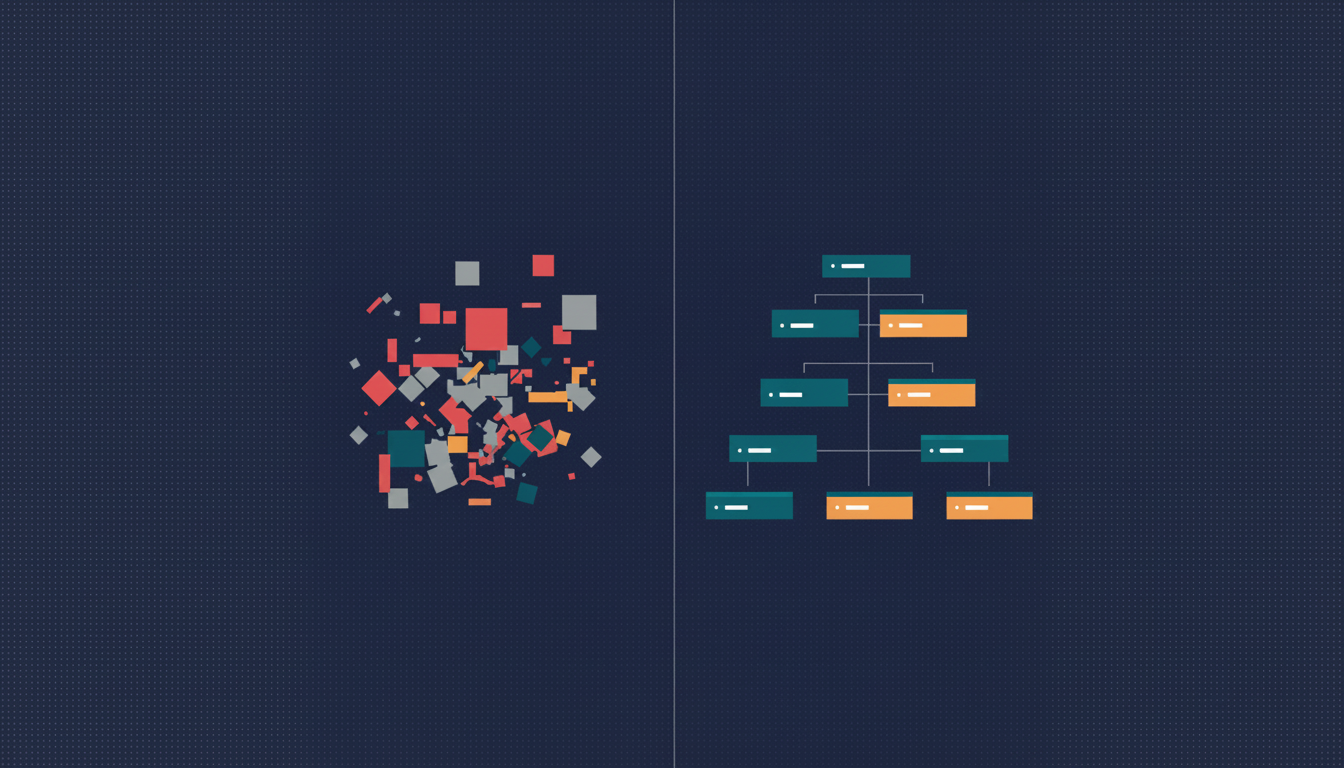
I was a few days into a client build, an annual report going from a Figma file to a real, responsive web implementation, when I made the kind of mistake that wastes a week before you notice.
I opened Claude Code with the Figma MCP attached, pointed it at the home page, and let it rip.
The output was a mess.
Hard-coded hex colors. No reusable components. Every stat block was its own bespoke <div> tree. Buttons rendered as styled divs. Headings nested five levels deep where two would have done it. The thing technically rendered.
So I did what most people do in this situation. I assumed the model was too weak.
I switched to GPT-5.5.
What came back was, in some ways, more impressive. The page looked real. Pixel-perfect, even. I almost shipped it before I read the source.
It was a screenshot.
Not literally. There was HTML, there was CSS. But functionally, the model had taken the image of the design and rendered something that looked identical without being implemented. No components. No semantic structure. Hardcoded everything, but the right hardcoded values, arranged so the surface mirrored the design. It was the design-to-code equivalent of plagiarism. Beautiful. Useless.
I sat back.
Two top-tier models. Same task. Both failing, and failing in different ways. Claude Opus 4.7 tried to do real work and produced honest garbage. GPT-5.5 tried to do impressive work and produced dishonest garbage. The variable I’d been changing, the model, wasn’t the variable that was broken.
The Figma was.
The setup
The project was, structurally, the hardest kind of file to feed an AI design-to-code pipeline. It was an annual report, designed in the visual language of print and editorial: big numerical hero stats, decorative dividers, text-heavy spreads, layouts that change per page rather than repeating like a SaaS dashboard.
The page I was working with had six stats arranged in a grid of color-blocked dividers and oversized type. Looking at it, you’d say: “that’s a six-card grid with a hero stat at the top, a stat-block component repeated five times, and a footer.”
The Figma file did not say that.
The Figma file said: a frame, with another frame inside it, with thirty-seven children at the same level. Text layers next to rectangle layers next to more text layers, named Rectangle 7 and Frame 142 and Group 12. No components. No tokens. Hex codes inline on every text layer. Auto Layout used in some places, Groups in others, absolute positioning where the designer had eyeballed the spacing. It rendered identically to the design above, because visually there’s no difference between a properly-componentized layout and a flat one. The designer’s eye doesn’t care about the tree. The MCP does.
Side note that I found funny later: when I tried to pull the file’s metadata over the Figma API, the call timed out at 180 seconds. Even the API couldn’t traverse it cleanly. Heaviness isn’t the same as messiness, but in this case it was both.
What “bad output” actually looked like
Claude Opus 4.7 did something I’ll defend, even though the output was bad. It tried. It looked at the layer tree, made a real attempt to infer structure, and produced code that was trying to be a component-based React app. It got the components wrong. The boundaries didn’t match what a human would draw, but it had drawn boundaries. Some things were <section>s. Some things were grouped into reusable pieces, even if those pieces didn’t make sense. Hex codes were everywhere; tokens were nowhere. It was a real, broken, honest attempt to interpret an unstructured input.
GPT-5.5 did something more interesting and, in retrospect, more dangerous. It looked at the design, looked at the visual output, and produced HTML that mirrored the image. Absolute positioning where the design had absolute positioning. Inline styles where tokens should have been. Every “stat block” written out by hand as its own div with its own styles, six times, because there was no StatBlock to reuse. The result rendered pixel-perfect against the Figma. It was also un-extendable, un-themable, and unmaintainable. Change one stat block, change six. Add a new stat, copy-paste sixty lines.
A stronger model is not a safer model when the input is unstructured. Stronger models produce more confident garbage, covering for missing structure with surface fidelity. When you can’t tell whether a model is generating components or generating wallpaper, you’re shipping wallpaper.
For a day, I did the things you do.
Tightened the prompt. Added explicit instructions: “use reusable components,” “use semantic HTML,” “extract design tokens.” Asked for a component plan first, then code. Tried smaller scopes, one section at a time. Tried Sonnet. Tried Opus. Tried GPT-5.5 again with a stricter system prompt.
Things shifted, but they didn’t improve. The output got more confident, not more correct. That’s the tell. When a model’s output gets more certain under prompt pressure but the underlying quality is the same, you’re not solving the problem. You’re polishing the symptom.
The Figma is the prompt
I should have seen it on day one.
The Figma MCP is not an interpreter. It’s a bridge. Its job is to faithfully expose the structure of a Figma file to a model: components, frames, names, variables, hierarchy. It does not invent structure where none exists.
If Card doesn’t exist as a Main Component in Figma, no MCP can hand the model a Card to reuse. The model can guess that something resembles a card and create one. But the guess is a hallucination, not a translation. There’s nothing in the source pointing the model at a Card boundary, so wherever the model draws it is somewhere between arbitrary and wrong.
If colors are hex strings, the output is hex strings. There is no token to flow through to Tailwind, no variable to map to a design system. Change the hex in Figma later, and nothing in the code knows.
If frames are flat siblings instead of nested children, the model has no signal that one thing is “inside” another. The text layer next to the rectangle layer might be a label inside a card, or it might be an unrelated heading three positions over. The model guesses. The guess is usually wrong, because flat structure is genuinely ambiguous.
This is what I keep telling people now: the model is faithful. The output reflects the input. No structure in, no structure out. The model isn’t underpowered. It’s mirroring.
The fix
I rebuilt the Figma. Not from scratch, but with discipline. I used Claude itself, through the Figma plugin-API MCP, to do a lot of the heavy lifting: bulk renames, auto-layout conversions, token bindings. The AI was good at this part, because the rules are mechanical. There was still real manual work: re-wrapping things into proper components, deciding component boundaries, defining the variable structure. But the AI handled the bulk of the grunt work once I’d specified what “good” looked like.
Out of that rebuild came the rules I now ship to every designer before a project starts.
Non-negotiables
Component-based architecture. Every repeating UI element is a Main Component. Every usage is an Instance. If something appears more than once, it becomes a component. The MCP looks for patterns. Components are the patterns.
Semantic tree hierarchy. Layer structure mirrors intended HTML structure. Parent frame wraps logical groups, with children nested inside, with grandchildren nested further. No flat layouts where ten siblings should have been three siblings with their own children. Nesting is how the model knows what’s “inside” what.
Auto Layout everywhere. No Groups. No absolute positioning. Auto Layout is Figma’s Flexbox; Groups don’t translate. A horizontal Auto Layout with a 16px gap and 20px padding becomes a flex flex-row gap-4 p-5 div. A Group becomes a guess.
Variables for color and typography. No raw hex codes anywhere. No manually-styled text. Every color points at Brand/Primary-600 or Neutral/100. Every text style points at Heading/H1 or Body/Medium. Variables are the only thing in Figma with intent. Variables flow through to your theme.json, your Tailwind config, your design tokens. Hex codes flow through to nothing.
Strongly recommended
Slash-based naming. Button/Primary/Default instead of Frame 142. The MCP reads layer names. Better names produce better code. Variants for interactive states (Default, Hover, Pressed, Disabled). 4px spacing system so spacing is consistent and granular. Icons as components with consistent 24x24 bounding boxes so they’re swappable in code.
The result
I re-ran Claude Code on the reorganized file.
One shot.
The component tree came out mapped 1:1 to React components. Tailwind classes flowed from the variables I’d defined. Semantic HTML came out of the box: <section>, <article>, <button>. The page was responsive in a way the original output wasn’t, because Auto Layout in Figma had translated cleanly to Flexbox in code. The whole thing fell out the way the demo videos always promise it will.
The “before” build had been a week of fighting the output. The “after” build was a few hours from re-run to merged PR.
The model had not changed. The MCP had not changed. The prompt had not changed. The Figma had changed. That was the whole delta.
The deeper lesson
The takeaway is upstream of any specific tool.
MCPs are bridges, not interpreters. They expose structure to the model. They don’t invent it.
LLMs reflect the shape of their input. If you hand a model a structured tree, you get structured code. If you hand it a flat tree with naming like Frame 142, you get whatever the model can guess, dressed up to look like code.
Stronger models produce more confident garbage when the input is unstructured. The instinct that “a smarter model will figure it out” is the instinct that wasted my week. Smarter models do not figure it out. They produce output that looks more like figuring it out, which is worse than visibly bad output. GPT-5.5’s screenshot-as-a-website was the most dangerous thing I produced, because I almost shipped it.
The leverage point is upstream. A Figma with components, tokens, and hierarchy makes any modern model good at this task. A Figma without those makes every model bad at it. The model variance you observe across providers, on a bad Figma, is just stylistic noise inside the same failure.
This is what I now mean when I say “context engineering”: the Figma file is the context window. The MCP just reads it aloud. Tuning the prompt is tuning the volume; tuning the Figma is tuning the signal.
Stop tuning the model
Designers and engineers used to argue about handoff quality and resolve it in PRs. Both sides could absorb a messy handoff because there was a human between the design and the code.
There isn’t a human there anymore. The handoff goes directly into a model. Handoff quality became implementation quality, with no room to recover.
When the AI hands you garbage, audit the input before you audit the model.
A messy Figma is a bad prompt. A clean Figma is most of the work.